Bulk MES
Bulk MES helps manufacturing teams turn incoming orders into reviewed jobs, coordinate production and follow quality, safety, training and daily performance.
About this ERP software software
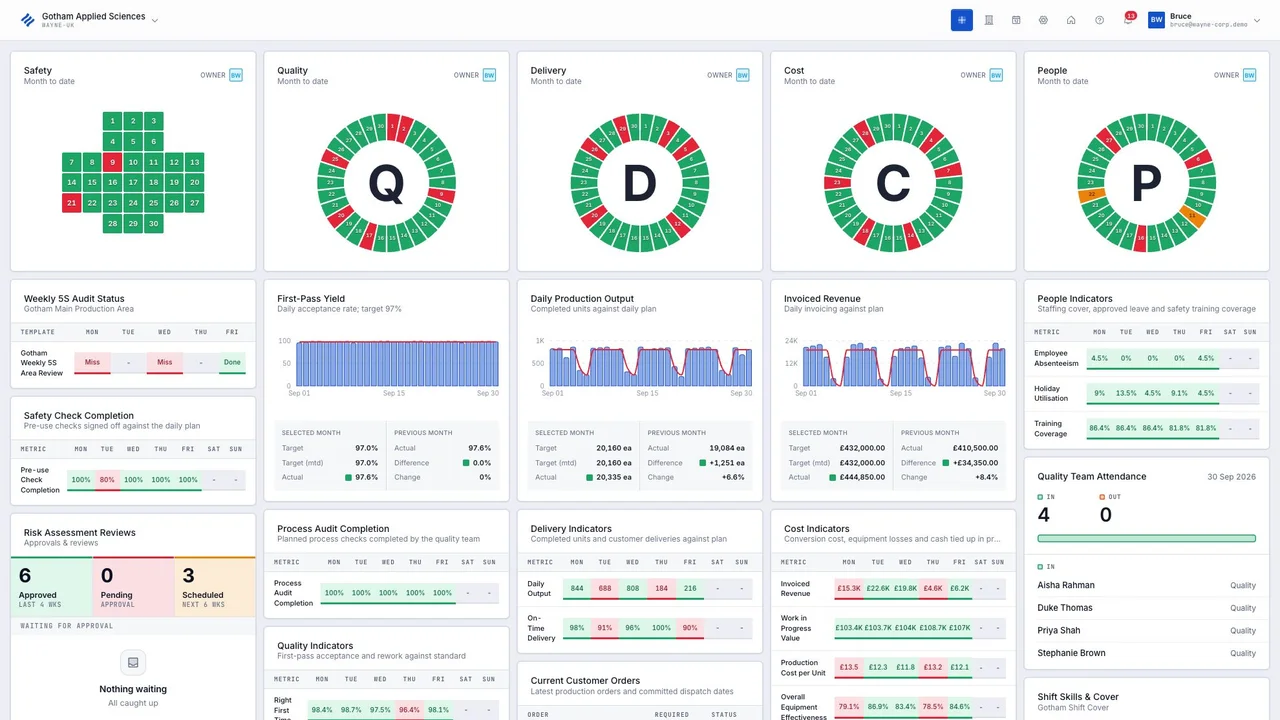
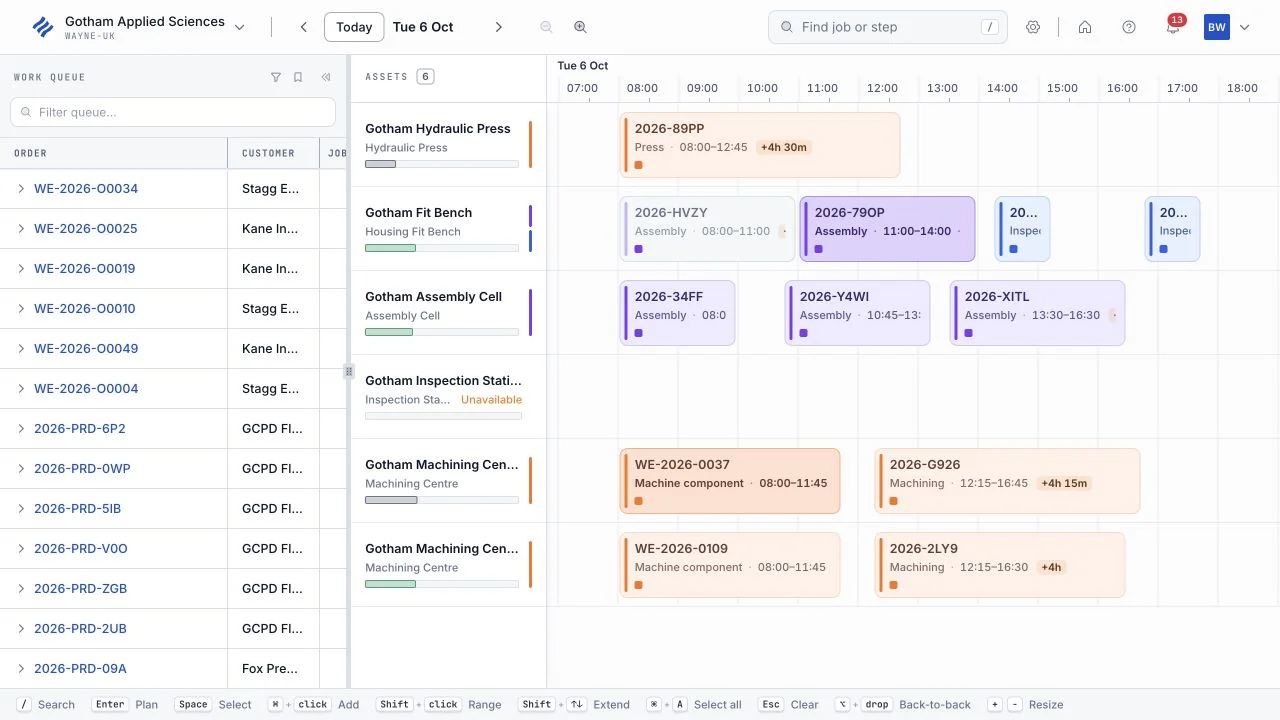
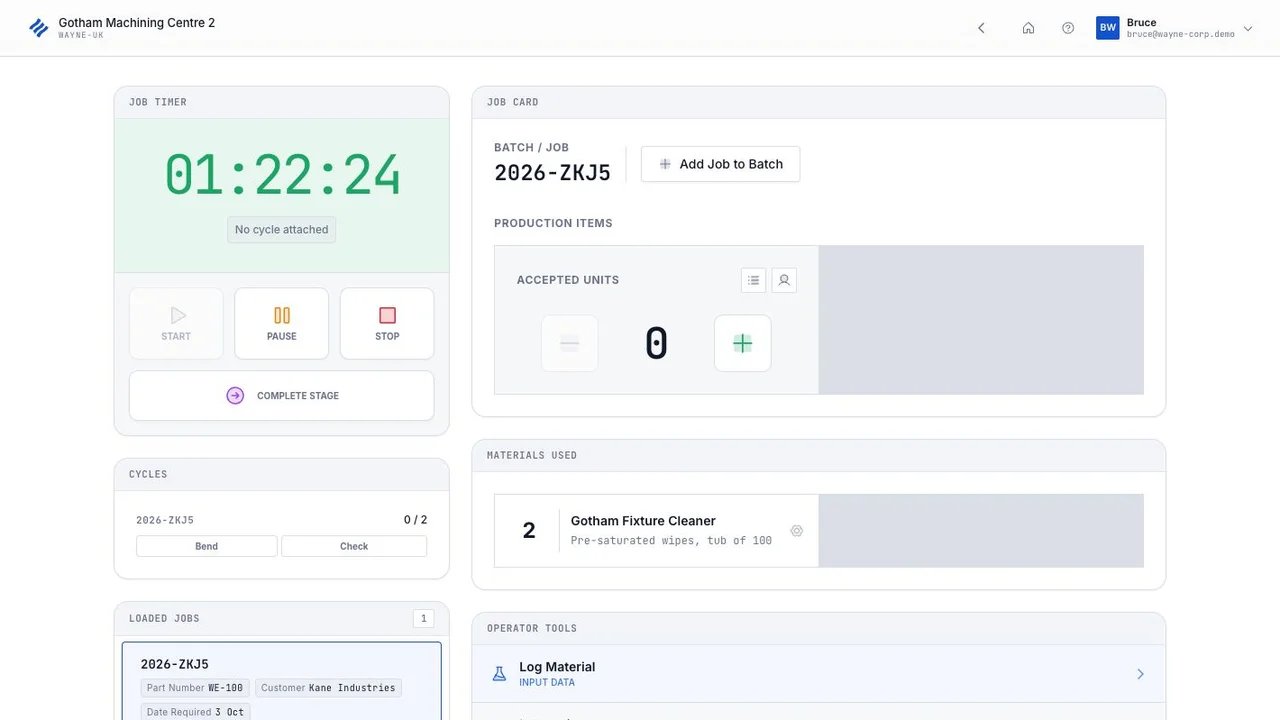
Bulk MES connects incoming orders, reviewed production jobs, routings and workstation records for manufacturing teams. Supervisors can schedule work, follow quality actions, manage safety and training, track consumables and review SQDCP performance alongside job-linked invoicing.
What's included
Screenshots
Integrations
Bulk MES connects with the following tools and platforms:
What to look for in erp software
Frequently asked questions
What is ERP software?
ERP (enterprise resource planning) software is a system that connects a company's core business processes, such as finance, inventory, manufacturing, procurement, and human resources, into one shared platform with a common database. Instead of separate spreadsheets or disconnected tools for each department, ERP software gives teams a single source of data that updates in real time across the business.
What is the difference between ERP and CRM software?
ERP software manages internal operations like finance, inventory, and supply chain, while CRM (customer relationship management) software focuses specifically on sales, marketing, and customer interactions. Some platforms offer both as integrated modules, while others specialize in one or the other, so it's worth confirming which functions a given system actually covers.
How much does ERP software cost?
ERP costs vary widely based on the number of users, chosen modules, deployment model, and implementation complexity, and vendors typically price differently for small businesses versus large enterprises. Check individual listings for specifics on pricing structure and what's included.
How do I choose the right ERP software for my business?
Start by mapping out which processes you need connected, such as accounting, inventory, or manufacturing, and whether you need industry-specific functionality. From there, compare cloud versus on-premises deployment, check integration with your existing tools, and ask vendors directly about implementation support and typical rollout timelines for businesses your size.
How long does an ERP implementation take?
Implementation timelines range from a few weeks for simple, small-business cloud systems to a year or more for large enterprise rollouts involving extensive data migration and customization. The timeline depends heavily on company size, the number of modules deployed, and how much historical data needs to be migrated, so ask vendors for a realistic estimate based on your specific setup.
Is cloud ERP always the right choice over on-premises?
For most businesses, yes, given lower upfront cost and easier updates - but businesses with specific data-residency requirements or deep legacy-system integrations sometimes still have real reasons to run on-premises.