VICIdial CRM Integration
Combines VICIdial and CRM data to sync call histories, dispositions, and client profiles, centralizing tools in one window to save reps time and preserve context.
About this CRM software software
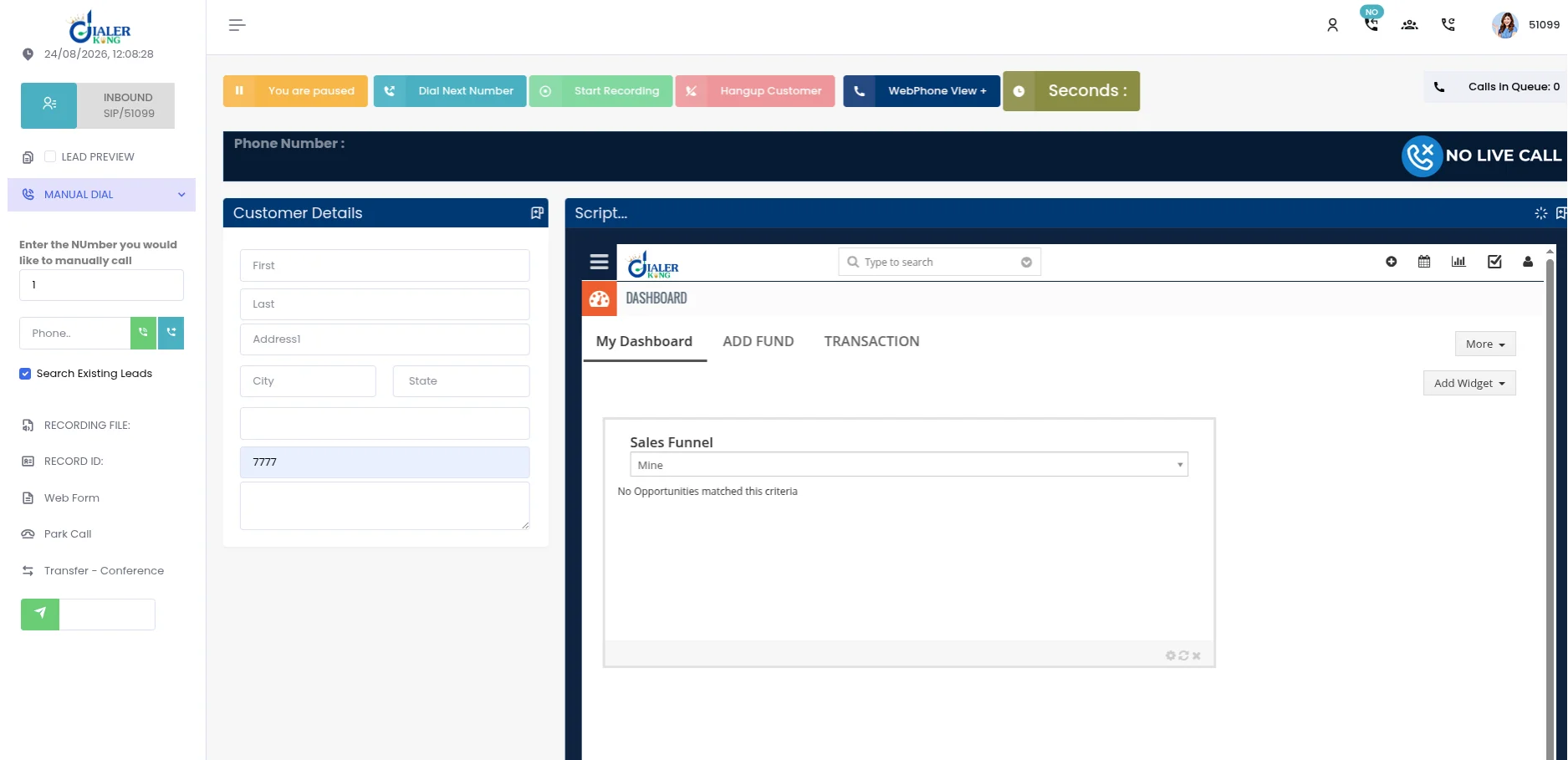
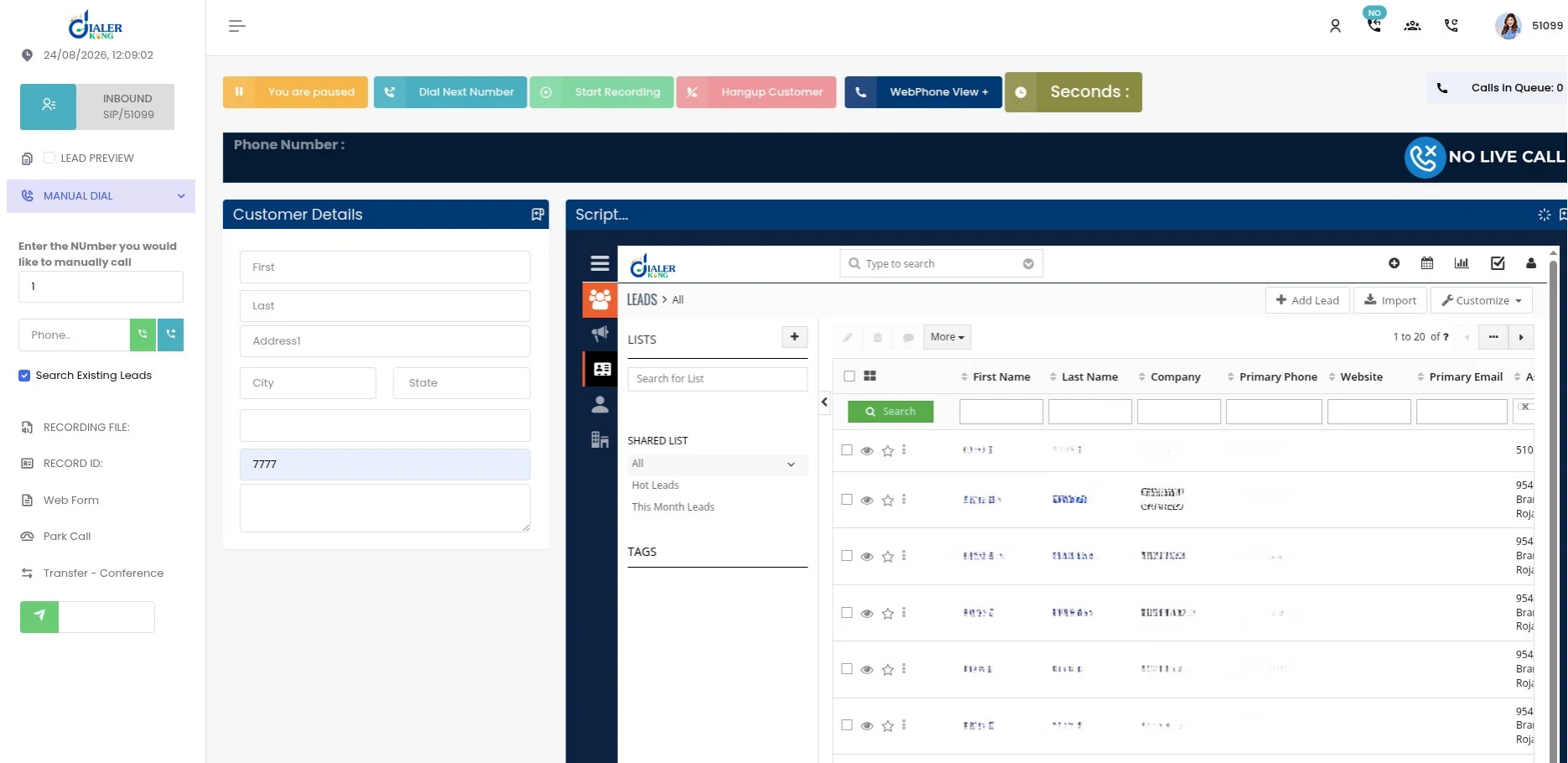
Combine VICIdial and CRM data to keep call histories, dispositions, and client profiles up to date across both platforms. By centralizing tools in one window, reps save time and avoid losing track of context while navigating multiple programs. Learn More: https://dialerking.com/service/vicidial-development/
Screenshots
What to look for in crm software
Frequently asked questions
What is a CRM software?
CRM software is a system for tracking customer and prospect interactions, contact details, and sales pipeline stages in one place, so a business can see the full history of a relationship instead of piecing it together across email threads and spreadsheets.
What is the difference between a CRM and an email marketing tool?
A CRM is built around managing individual customer relationships and sales pipeline stages, while email marketing tools focus on sending campaigns to lists of subscribers; many platforms blend both, so it's worth checking whether a listing's core strength is pipeline management, campaign sending, or an even mix of the two.
How much does CRM software cost?
Cost varies widely based on the number of users, the feature tier, and whether pricing is per seat or per contact record, so check individual listings for specifics rather than assuming a flat rate.
How do I choose the right CRM software?
Start with how many people need access and what they need to track, then check integration with tools already in use like email, calendar, and any ecommerce or support software; a CRM that fits an existing workflow tends to get adopted, while one that requires rebuilding processes around it often doesn't.
How long does it take to set up a CRM?
Setup time depends on how much existing customer data needs to be imported and how customized the pipeline stages and automations are; a basic setup for a small team can take a few days, while migrating a larger customer database with custom fields and integrations can take several weeks.
Is a bigger, more feature-rich CRM always the safer choice?
Not if your team doesn't need the complexity - a lightweight CRM that gets fully adopted beats an enterprise platform with unused features and a steep learning curve that slows the team down instead of helping it.